
How do I add pictures to my post?
It looks like I have to post the picture on a photo sharing site first. Is there a way to upload/display a photo from my own computer?
9 Answers
Here's what I do.
Open the picture you want (it has to be on an internet site - it can't be from your personal computer folder of pictures - too bad!!). Right click, and select "copy image location". In the "Answer this Question" dialogue box, select the photo icon, and pasted the link into the dialogue box that is opened. Your picture will be posted. (The dialogue box automatically includes "http://" so if the link also has that, it will be duplicated and the picture won't post. If that happens, just scroll to the front of the link and delete the duplicate.)
Okay, let's try PhotoBucket
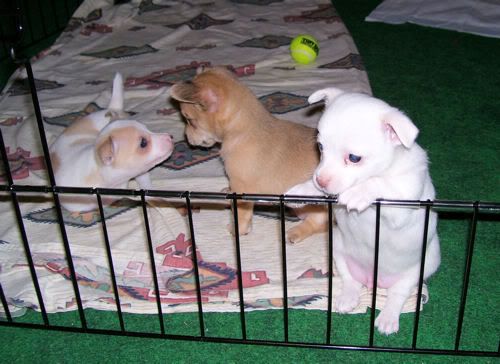

Is this the picture that you are trying to post?
This editor has problems with some .php photos. That usually means that they are in an image database that sometimes can be accessed by anyone and sometimes have restricted access.
I found a link at the bottom of the picture and it said I could use to to show the picture to anyone. I do see an empty box, but that is it. The link was
http://www.facebook.com/photo.php?pid=30039493&l=f814eb27f2&id=1461947244
Okay, time for a test. This is a picture of Rosita from my Facebook album.
http://www.facebook.com/photo.php?fbid=1012000107900&set=a.1010662194453.2001896.1461947244
http://magickcanoe.com/farm/llama-1-large.jpg
Thanks for the reply. That was what I was afraid of. It is so much quicker and easier to use a photo directly from your own computer, but I understand.
The markdown code that is required to post a picture is actually quite simple to remember. It is basically made up of three parts: an exclamation mark (!), alternate text (placed between brackets) in case the photo fails to post, and the URL (placed in parenthesis) where the picture is located. Here is a basic rundown:

| Code | Function |
| ! | Specifies that the URL should produce a picture |
| [alt text] | Specifies text that will be seen if the picture fails to load |
| (http://some/URL/address.jpg) | Specifies the web address where the picture will be loaded from |
.
Here is an example of the markdown needed to produce the following picture:
Markdown code:
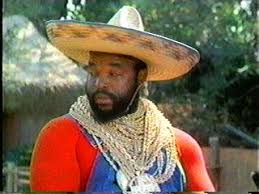
Picture Produced:
Now supposing that the picture failed to load, this is what you would be left with (as alt text):
I tried fixing the link to your facebook photo, but the link did not appear to take. I suspect that the reason for this, however, is that it is probably password protected by facebook. If you sign up for a photobucket account (should be free), it is fairly simple to upload to photobucket and then to use the URL generated by photobucket to post your desired pic on the forum.
You can use pictures from facebook and other personal sites like blogs too if you copy the picture address. You right click it just like DR1960 said and there you go!

















